

Cloud cost leaks: six settings that quietly inflate your AWS bill
NAT gateway data processing, cross-AZ chatter, log ingestion, snapshot sprawl, gp2 volumes and egress: the six cloud cost leaks we find in almost every Indian-region AWS bill, and the defaults that fix them.
Most cloud cost problems are not architecture problems. They are defaults. Someone accepted the console's suggestion, someone left retention on "never expire", someone put three chatty services in three availability zones and paid for the conversation between them. By the time the invoice lands, the damage looks like an architecture decision, so nobody argues with it.
We have audited enough bills at NetPy — our own and clients' — to know the pattern is boring and repeatable. Six settings account for the overwhelming majority of avoidable spend on an Indian-region AWS account. None of them require a re-architecture to fix. All of them require you to read one line of a bill you have been skimming.
Prices below are Mumbai (ap-south-1) list rates as of when this was written and they move; the ratios do not.
Read the invoice as a schema, not a total
A single number tells you nothing. Before touching a setting, get the bill to answer "which feature caused this". Two things make that possible and both are one-time work: consistent tagging on every resource, and a cost allocation report you can group by tag.
# Every resource that costs money should carry these three.
aws ec2 create-tags --resources i-0abc... --tags \
  Key=env,Value=prod Key=service,Value=billing Key=owner,Value=platform

# Group the last 14 days by service tag, and fail loudly on untagged spend.
aws ce get-cost-and-usage \
  --time-period Start=$(date -d '14 days ago' +%F),End=$(date +%F) \
  --granularity DAILY --metrics UnblendedCost \
  --group-by Type=TAG,Key=service
Then divide. Cost per order, cost per tenant, cost per thousand API calls. A number that only grows with traffic is healthy. A number that grows while traffic is flat is a leak, and you will find it in a week instead of a quarter.
Leak one: the NAT gateway is a router you pay per gigabyte
A NAT gateway costs about $0.045 per hour — roughly $33 a month — and then $0.045 for every gigabyte that passes through it. That second number is the one nobody reads. Pull 8 TB of container images and package downloads through NAT in a month and you have spent $360 on a component that is not doing anything except forwarding packets.
Gateway endpoints for S3 and DynamoDB are free. Interface endpoints cost per hour but are almost always cheaper than NAT for anything chatty. The fix is a route table entry, not a migration.
resource "aws_vpc_endpoint" "s3" {
  vpc_id            = aws_vpc.main.id
  service_name      = "com.amazonaws.ap-south-1.s3"
  vpc_endpoint_type = "Gateway"
  route_table_ids   = [aws_route_table.private.id]
}
Check what your NAT is actually carrying before you assume it is small. VPC Flow Logs filtered to the NAT's ENI for a day will name the top talkers, and the answer is usually S3, ECR, or CloudWatch.
Leak two: cross-AZ chatter is billed in both directions
Inter-AZ data transfer in Mumbai is about $0.01 per GB each way. A request that goes out and comes back is $0.02 per GB. Put three replicas of a service in three zones and let them gossip at 50 GB a day each, and you have a four-figure annual line item for network traffic inside your own VPC.
The cheap fixes, in order of effort: cache locally so replicas stop asking each other the same question; pin deliberately chatty pairs — the app and its cache, the worker and its primary — to the same zone with topology-aware routing; and batch what you cannot cache. Do not "solve" this by collapsing to one zone and calling it resilience.
Leak three: logs you never read, at $0.50 per gigabyte
CloudWatch Logs ingestion is around $0.50 per GB and storage is billed on top. A single debug-level service emitting request bodies can produce 200 GB a month — $100 just to write it down, before anyone queries it. Multiply by five services and you have a $500 monthly habit that produces no signal.
Defaults are the enemy here. Log groups created by Lambda, ECS and RDS arrive with retention set to never expire.
# Set retention on every log group that is not explicitly exempt.
for g in $(aws logs describe-log-groups --query 'logGroups[].logGroupName' --output text); do
  case "$g" in *audit*|*security*) continue;; esac
  aws logs put-retention-policy --log-group-name "$g" --retention-in-days 14
done

# And stop paying for what you never query: export to S3, then delete.
aws logs create-export-task --log-group-name /aws/app/prod \
  --from 1730000000000 --to 1732600000000 \
  --destination my-log-archive --destination-prefix app/prod
Log lines you query once a year belong in S3 at $0.023 per GB, not in CloudWatch at twenty times the price.
Leak four: snapshots, volumes and addresses that outlive their reason
EBS snapshot storage is roughly $0.05 per GB-month and it is append-only by nature — every nightly snapshot of a 500 GB volume adds a delta that never gets deleted. Two years of enthusiasm is tens of terabytes. Nothing fails; the bill just grows.
The inventory you want is short and mechanical: unattached volumes, volumes attached to terminated instances, snapshots older than your stated retention, idle Elastic IPs at about $3.60 a month each, and load balancers with no healthy targets at roughly $18–22 a month. In a young account these add up to something a founder notices.
aws ec2 describe-volumes --filters Name=status,Value=available \
  --query 'Volumes[].[VolumeId,Size,CreateTime]' --output table
aws ec2 describe-snapshots --owner-ids self \
  --query "Snapshots[?StartTime<='$(date -d '90 days ago' +%F)'].[SnapshotId,VolumeSize,StartTime]" \
  --output table
Lifecycle policies do this without human memory: Data Lifecycle Manager for snapshots, and a weekly report that mails the exceptions rather than asking someone to remember a dashboard.
Leak five: over-provisioned databases and the gp2 trap
Two things go wrong with database storage. The first is provisioning capacity to buy IOPS: on gp2 you get 3 IOPS per GB, so a workload needing 9,000 IOPS gets a 3 TB volume at $0.10 per GB-month — $300 a month — when gp3 gives 3,000 IOPS and 125 MB/s free with the volume and lets you buy exactly the rest. Moving gp2 to gp3 is a modify-volume call and usually a 15–25% cut.
The second is sizing by peak. Check p95 CPU and connection count over two weeks; if p95 is under 40% you are paying for a Sunday that happens twice a year. Multi-AZ doubles the instance line, so an oversized multi-AZ primary is an oversized bill in two places.
-- What the database is actually doing, not what the dashboard clipped to 100%.
SELECT date_trunc('hour', ts) AS hour,
       percentile_cont(0.95) WITHIN GROUP (ORDER BY cpu_pct) AS p95_cpu,
       max(connections) AS peak_conn
FROM rds_metrics
WHERE ts > now() - interval '14 days'
GROUP BY 1 ORDER BY 1 DESC LIMIT 24;
Once the baseline is stable, reserved capacity against it — one-year, no upfront — typically takes 30–40% off the compute line. Reserved instances are a bet that the workload stays; make that bet only after you have removed the waste, never before.
Leak six: egress and the backup you replicated twice
Data leaving to the internet is roughly $0.08–0.09 per GB from Mumbai. Serving 5 TB of images a month straight from S3 is about $400; the same bytes through a CDN with a decent cache hit ratio are a fraction of that, because most requests never reach the origin. Compress, cache, and set long cache lifetimes on anything with a hash in its name.
Then look at backups. Cross-region replication is not free — you pay the transfer and a second copy of the storage forever. For most Indian startups, a same-region backup plus a lifecycle rule to colder storage is the correct risk/cost trade; a second region is a decision about a disaster class you may not have. Write down which one you are buying.
The weekly loop that keeps it honest
Cost does not stay fixed, so the control has to be a loop rather than a project. Ours is fifteen minutes every Monday and it is deliberately boring:
- Budget alarms at 80% and 100% of the trailing median, not of last month's peak.
- A diff of this week's top ten cost drivers against last week's, by tag.
- One "why did this go up" question per line item that moved more than 10%.
- Any resource with no owner tag gets a fourteen-day grace period, then a ticket.
- Storage and log retention reviewed quarterly, in the same meeting as the roadmap.
The point is not thrift. It is that a cloud cost you cannot explain is a cloud cost you cannot improve, price, or defend to a customer. Explaining it weekly keeps the conversation at the level of decisions instead of receipts.
Two rules keep us out of the trap where optimisation becomes a second job. First: fix defaults once, in code, with retention and tagging baked into the modules every team uses — an unset retention policy should be a merge request failure, not a bill surprise. Second: match the pricing model to the workload's shape. Elastic and spiky belongs on elastic billing; a steady internal service that has not changed shape in a year often runs cheaper as a fixed-price box on NetPyCloud, where the monthly number is the monthly number and nobody discovers a per-gigabyte surprise in month three.
Nothing in that list is clever. That is the reason it works — and if you want the same review run against your own account, talk to our engineering team.
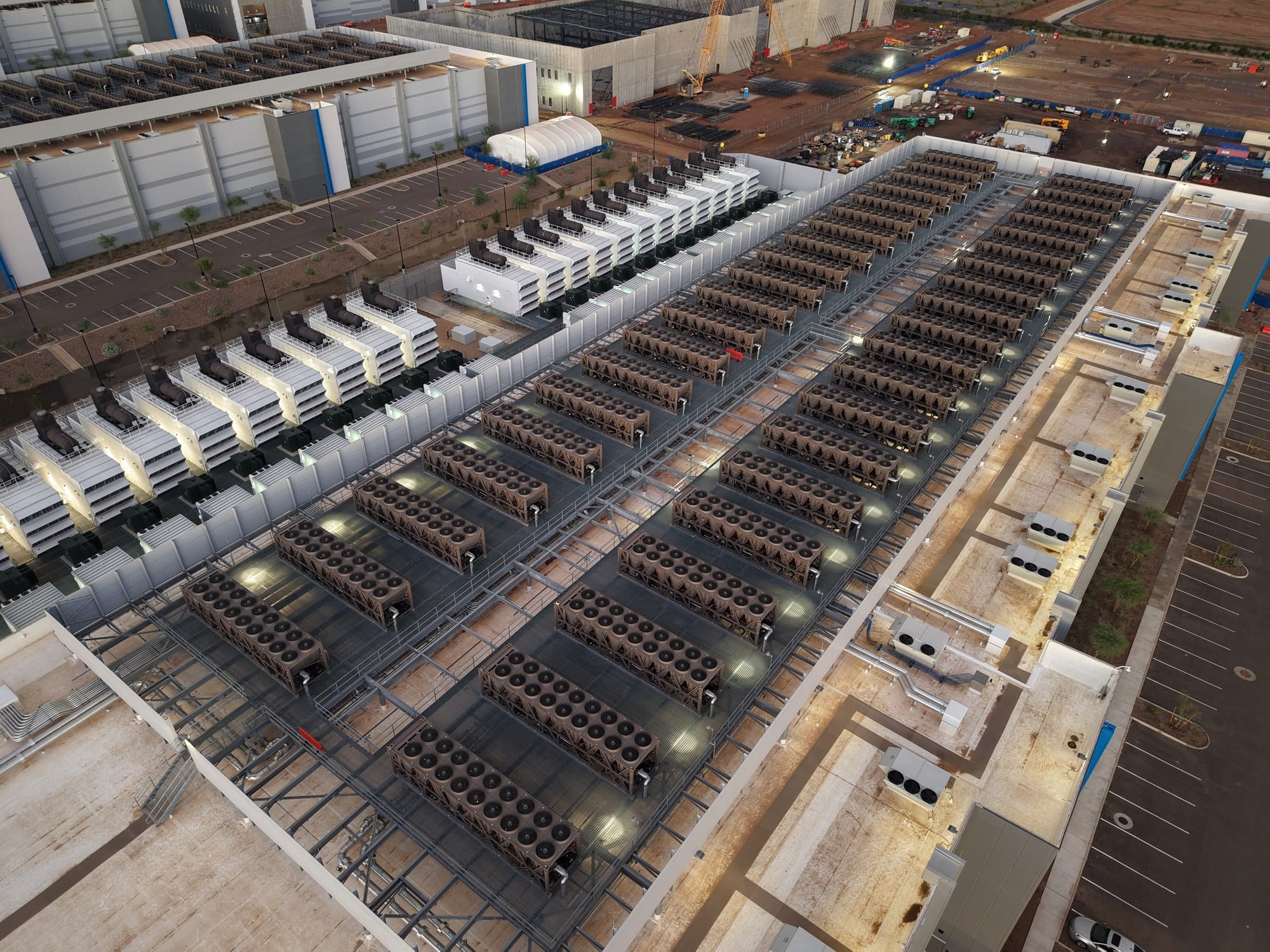
Header image: rooftop cooling plant at a data centre. Rsparks3, Wikimedia Commons, CC0.